
Emergency Medication List Generator
Your Emergency Medication Checklist
This tool will help you create a complete emergency medication list to ensure medical professionals have the information they need in an emergency.
Your Emergency Medication List
Your list contains 0 items
Medications:
[No medications added]
Allergies:
[No allergies added]
Emergency Contacts:
[No contacts added]
This is a placeholder. Add your information above.
Remember: Keep this list updated every time you change a medication or start a new supplement. If you don't update it, it becomes less useful in an emergency.
When you’re in an emergency and can’t speak, your medication list could save your life. Paramedics don’t have time to guess what you’re taking. They need clear, accurate info fast. A simple paper card in your wallet or a digital profile on your phone can cut emergency response time by 15 to 20 minutes. That’s not just helpful-it’s life-saving.
Why Your Medication List Matters
More than two in five American adults take two or more prescription drugs. Add in over-the-counter painkillers, vitamins, and herbal supplements, and the risk of dangerous interactions skyrockets. In the U.S., medication errors cause about 7,000 deaths each year. Many of these happen because doctors and paramedics don’t know what you’re taking. A 2020 study found that patients who brought an updated medication list to the hospital had 37% fewer medication mistakes during admission. That’s not a small number. That’s the difference between a smooth recovery and a second hospital stay.
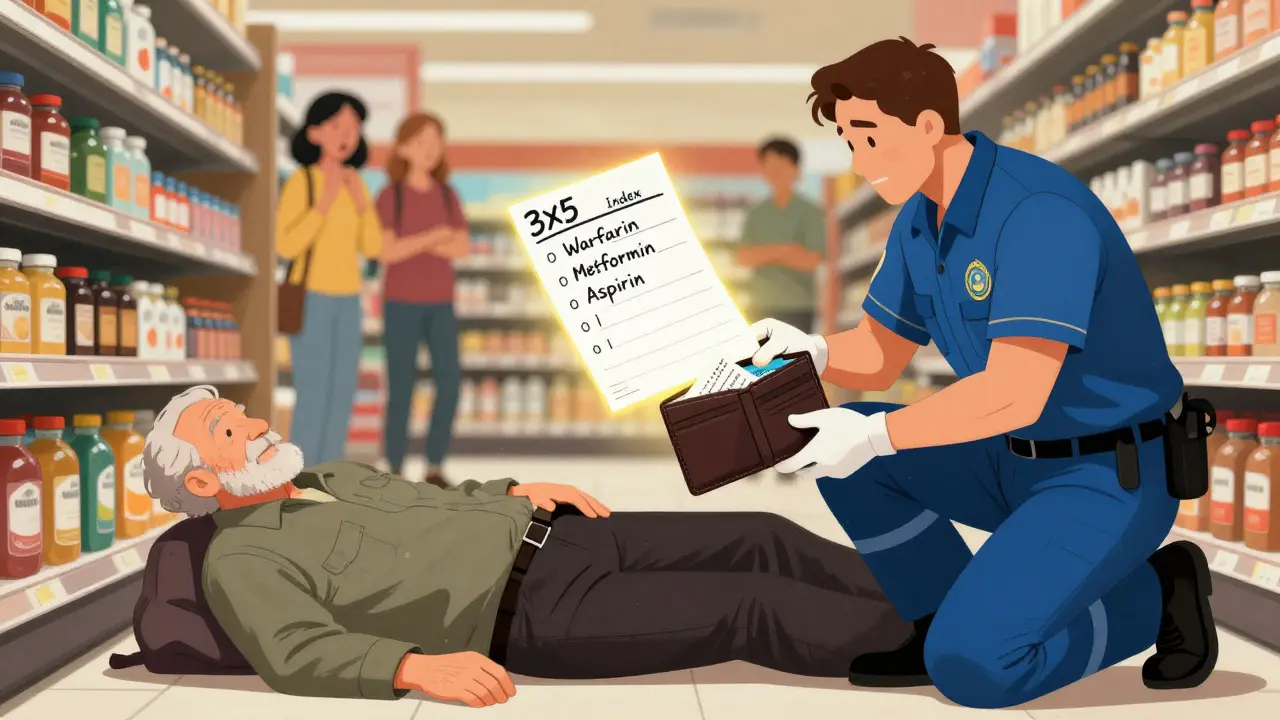
It’s not just about prescriptions. Things like ibuprofen, fish oil, or St. John’s wort can interact with blood thinners, heart meds, or even antibiotics. One nurse shared a case where a patient’s wallet card listed warfarin 5mg daily. Without it, the ER team almost gave an antibiotic that would’ve caused a fatal bleed. That card? It was handwritten on a 3x5 index card. No app. No fancy tech. Just clear, updated info.
What to Include on Your Emergency Card
Your list doesn’t need to be fancy. It just needs to be complete. Here’s what every emergency medication card should have:
- Full name of each medication - both brand and generic. If you take Lisinopril, write that. But also write “Zestril” if that’s what the bottle says.
- Dosage - 5mg, 10mg, 500mg. Don’t say “one pill.” Say exactly how much.
- How often - “once daily,” “every 6 hours,” “as needed for pain.”
- Why you take it - “for high blood pressure,” “for arthritis,” “for sleep.” This helps providers understand your health history fast.
- Allergies and reactions - Not just “penicillin allergy.” Say “rash and swelling after penicillin,” or “anaphylaxis after sulfa drugs.” Be specific.
- Vitamins, supplements, and herbs - Even if you think they’re “natural,” they can interfere with meds. Ginkgo biloba? Garlic pills? Turmeric? Write them all.
- Emergency contacts - Name, relationship, phone number. At least two people who can answer questions about your care.
- Blood type (if known) - Some templates include this. It’s not required, but it helps in trauma situations.
For older adults or those with chronic conditions, add: your diagnosis (like “Type 2 diabetes,” “heart failure”), code status (Do Not Resuscitate? Yes or No?), and any discontinued meds (e.g., “Stopped simvastatin in 2023 due to muscle pain”).
Paper vs. Digital: Which One Works Better?
You have two main options: paper or digital. Both have pros and cons.
| Feature | Paper Card | Digital (Phone) |
|---|---|---|
| Accessibility | Works anytime, no battery needed | Accessible from lock screen on iPhone (Medical ID) and Android |
| Updates | Easy to rewrite with pencil | Update in app - but only if phone is charged and working |
| Portability | Fits in wallet, purse, or pocket | Always with you - if you carry your phone |
| Visibility | Only if someone finds it | Paramedics can access it even if phone is locked |
| Accuracy | Can become outdated if not updated | Can become outdated if not updated |
| Success rate in emergencies | 78% access rate when present | 32% access rate when phone is present |
Here’s the catch: 92% of adults own a smartphone. But only 18% of emergency patients have a paper card on them. So while paper is easier to access if you have it, most people don’t carry it. Digital is more likely to be there - but only if you set it up right.
How to Build Your Card - Step by Step
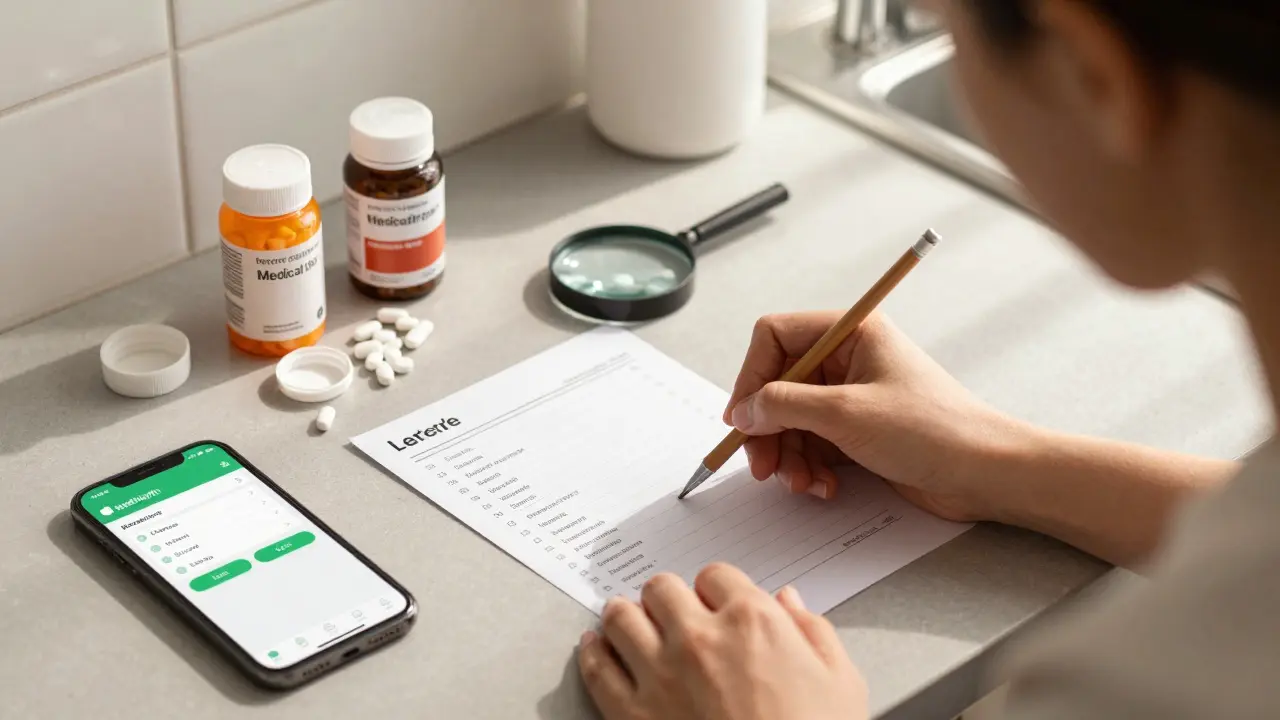
Creating your list doesn’t take long. Here’s how to do it right:
- Gather everything - Pull out all your pill bottles, supplement containers, and OTC boxes. Include creams, inhalers, patches. Don’t forget the ones you stopped taking.
- Write down each one - Use the template above. Don’t skip anything. If you’re unsure about a supplement, look up the generic name.
- Review with your pharmacist - Go to your pharmacy. Ask them to check for duplicates, interactions, or outdated meds. Most will do this for free. This step alone catches 45% of errors older adults make on their own.
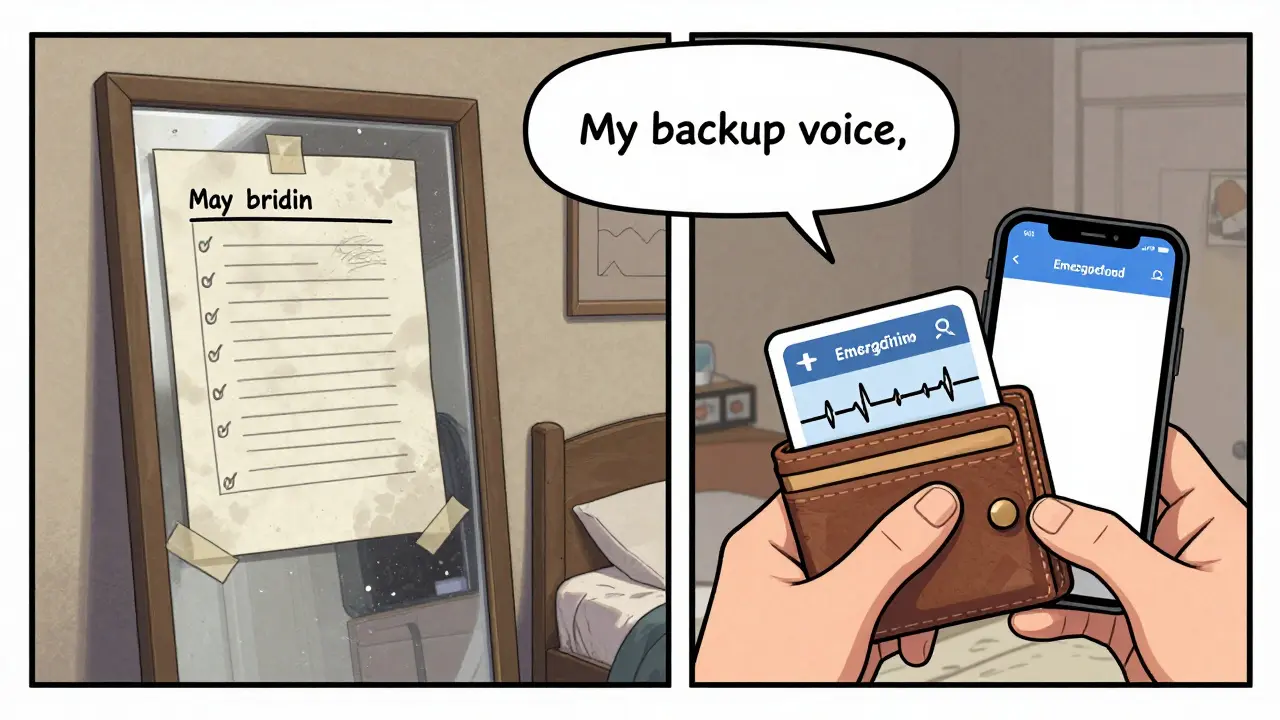
- Choose your format - Print the FDA’s “My Medicines” template (free online) or use Apple Health’s Medical ID or Android’s Emergency Information feature.
- Update it religiously - Every time you get a new prescription, stop a med, or start a new supplement, update the list. Set a reminder on your phone: “Update meds - every 30 days.”
- Share it - Give a copy to your primary doctor, a family member, and your emergency contact. Keep one in your wallet. Keep one on your phone.
Where to Get Templates
You don’t need to design this from scratch. Use trusted sources:
- U.S. FDA - “My Medicines” template - Free, simple, clinically reviewed. Available at fda.gov/my-medicines.
- CDC - “My Medications List” - Designed for older adults and includes space for traditional remedies.
- Apple Health App - Go to Health → Medical ID → Edit. Add all meds, allergies, emergency contacts. Turn on “Show When Locked.”
- Android - Open Phone app → Emergency → Medical info → Add info. Works even if phone is locked.
- CVS Pharmacy - Offers a printable wallet card generator on their website.
Avoid Etsy templates unless they’re based on FDA or CDC standards. Many are pretty but missing critical fields like dosage or reason for use.
Common Mistakes (And How to Avoid Them)
People make the same mistakes over and over:
- Not updating - 67% of people forget to update their list. Solution: Link updates to your next doctor visit. If you see your doctor every 3 months, update the card the day after.
- Using vague terms - Saying “I take my blood pressure pill” instead of “Lisinopril 10mg daily.” Be specific.
- Leaving out supplements - “It’s just a vitamin.” No. Vitamin E can thin your blood. Ginkgo can cause bleeding. List them all.
- Keeping it in the wrong place - Don’t put it in your purse if you rarely carry it. Keep it in your wallet. Or use your phone.
- Assuming someone else knows - Your daughter might think she remembers your meds. She doesn’t. Write it down.
Dr. David Mendelson from JAMA says it best: “An outdated list is worse than no list.” If you haven’t updated it in 6 months, throw it away and start fresh.
What Happens in an Emergency?
Imagine you collapse in a grocery store. Paramedics arrive. They check your wallet. They find a card. It says:
- Warfarin 5mg daily - for atrial fibrillation
- Metformin 500mg twice daily - for diabetes
- Aspirin 81mg daily - for heart
- Allergy: Penicillin - rash and swelling
- Emergency contact: John Smith, 555-123-4567
They don’t need to call your family. They don’t need to wait for records. They know not to give you penicillin. They know to check your INR before giving fluids. They know you’re on blood thinners. They can treat you safely in minutes.
Without that card? They guess. They delay. They risk giving you something that kills you.
Final Thought: It’s Not About Technology. It’s About Responsibility.
You don’t need a fancy app. You don’t need to be tech-savvy. You just need to write it down. Update it. Carry it. Share it.
This isn’t a suggestion. It’s a safety habit - like wearing a seatbelt or checking smoke detectors. If you take more than one medication, you’re at risk. Your list isn’t optional. It’s your backup voice.
What if I don’t know the generic name of my medication?
Check the bottle - it’s usually printed right under the brand name. If you’re unsure, take the bottle to your pharmacy. Pharmacists can tell you the generic name and confirm the dosage. You can also use free apps like Drugs.com or Medscape to look up the brand name and find the generic version.
Should I include over-the-counter meds and supplements?
Yes. Even if you think they’re harmless, they’re not. Common OTCs like ibuprofen, naproxen, or cold medicines can interfere with blood pressure drugs, blood thinners, or kidney function. Supplements like fish oil, ginkgo, or garlic pills can increase bleeding risk. Always list them.
How often should I update my medication list?
Update it every time you start, stop, or change a medication. That includes new prescriptions, OTC drugs, vitamins, or supplements. Set a monthly reminder on your phone: “Update meds.” Also, review it with your pharmacist or doctor at every visit - even if you think nothing changed.
Can I use a digital app instead of paper?
Yes - if you use your phone’s built-in Medical ID (iPhone) or Emergency Information (Android). These are designed for first responders to access even if the phone is locked. Third-party apps are less reliable because first responders can’t access them without unlocking your phone. Stick with Apple Health or Android’s system.
What if I don’t carry my phone or wallet?
Keep a copy in your car, purse, or next to your bed. Some people tape a small card inside their wallet or attach it to their keychain. Others use a medical alert bracelet that says “See wallet card for meds.” The goal is to have at least two places where someone can find it - and always carry one.
Don’t wait for an emergency to realize you didn’t prepare. Take 20 minutes today. Gather your meds. Write them down. Update it. Carry it. Your life depends on it.
14 Comments

Lillian Knezek
February 25, 2026 at 06:42 AM
Wait… so you’re telling me the government doesn’t already have a secret database of everyone’s meds? 😏 I knew it. They’re tracking us through our prescriptions. Next they’ll say ‘your blood pressure is too high’ and send drones to your house. 🛸💊

Dominic Punch
February 25, 2026 at 14:54 PM
This is one of those rare posts that actually changes behavior. I used to think ‘I know my meds’ - until I forgot my lisinopril for 3 days and my BP spiked. Now I carry a laminated card. I printed it, gave copies to my sister and my pharmacist, and set a monthly phone alert. It takes 7 minutes. Do it. Your future self will thank you. No excuses. This isn’t ‘nice to have’ - it’s non-negotiable.

Valerie Letourneau
February 26, 2026 at 11:11 AM
Thank you for this meticulously detailed and clinically grounded resource. As a healthcare professional in Ontario, I cannot overstate the value of a standardized, updated medication list. The Canadian Pharmacists Association also endorses this approach, and I routinely encourage my patients to adopt this practice. It is, without question, a foundational element of patient safety.

Khaya Street
February 27, 2026 at 02:25 AM
Look, I get it. But honestly? Most people won’t do this. I’ve seen too many grandmas with 12 pills in a baggie and no clue what half of them are. This post is great - but it’s preaching to the choir. We need mandatory education in senior centers. Or a tax deduction for printing these cards. Otherwise, it’s just another feel-good article that goes ignored.

Christina VanOsdol
February 27, 2026 at 10:51 AM
Ugh. I’ve been doing this for YEARS. And yet - STILL - people say ‘I don’t need it.’ Did you know that 68% of ER visits involving polypharmacy are preventable? And 91% of those patients didn’t have a list? Also - don’t forget that vitamin K2 nullifies warfarin? And that St. John’s wort increases serotonin syndrome risk by 300%? And that even ‘natural’ magnesium can cause renal failure in CKD? And that your ‘harmless’ melatonin can interact with SSRIs? And that your ‘just a vitamin’ B12 can mask pernicious anemia? And that your ‘I only take it once a week’ fish oil is actually a blood thinner? And that your ‘I stopped it last year’ statin is still in your system? And that your ‘I don’t take supplements’ claim is a lie because you have turmeric in your tea? And that your ‘I remember everything’ confidence is statistically proven to be wrong? And that your ‘I’ll update it later’ is the #1 cause of medication errors? And that your ‘I’m too busy’ excuse kills people? And that your ‘it’s not my problem’ attitude is why 7,000 Americans die every year? And that you’re probably one of them? And that you’re reading this right now… and still not doing it? Yeah. You’re the problem.

Brooke Exley
February 27, 2026 at 20:29 PM
I made mine into a little art project - used colorful pens, added doodles of my cat (he’s my emotional support animal, so he counts), and laminated it. Now it’s my ‘I’m alive’ card. I even gave one to my neighbor who’s 82 and lives alone. She cried. We hugged. Then we made a pact: every full moon, we update each other’s lists. It’s not just medicine - it’s community. 💖

Alfred Noble
February 28, 2026 at 01:40 AM
Just did this today. Took 15 mins. Used the FDA template. Put it in my wallet and turned on my iPhone Medical ID. Also gave a copy to my mom. She’s 78 and forgets everything - so now she has it taped to her fridge. I’m gonna set a monthly reminder too. Thanks for the nudge. I didn’t realize how many pills I was taking. Turns out I’m basically a pharmacy.

Matthew Brooker
March 1, 2026 at 02:10 AM
One of the most practical things I’ve read in months. Seriously - if you’re on more than one med, this is your duty. Not a suggestion. A responsibility. I’ve been telling my patients this for years. Now I’m sending them this link. No fluff. Just facts. And action. Do it. Your life matters.

Emily Wolff
March 1, 2026 at 18:04 PM
Pathetic. If you need a card to survive an emergency, you shouldn’t be allowed to take prescription drugs. This isn’t safety - it’s dependency on bureaucracy. Real adults memorize their meds. Real adults don’t need laminated paper.

Lou Suito
March 3, 2026 at 07:33 AM
Wait - you’re telling me the FDA has a template? But I saw a Reddit post last week that said the CDC template is outdated? And that the Apple Health app doesn’t sync with EHRs? And that paramedics in rural areas can’t access digital IDs because they use 2010s-era tablets? And that 40% of people who think they have a digital list actually have a screenshot of an old screenshot? And that your ‘emergency contact’ might be your ex who doesn’t even know you’re on blood thinners? And that your ‘I update it monthly’ is a lie because you haven’t opened your pill bottle since January? And that your ‘paper card’ is in your purse - which you left at the gym? And that your ‘I’m careful’ attitude is why 90% of medication errors happen? So… I guess I’m just supposed to die quietly?

Joseph Cantu
March 3, 2026 at 21:06 PM
They’re not trying to save lives. They’re trying to control us. Who’s behind these templates? Big Pharma? The CDC? The WHO? They want us dependent on lists so they can track us. And when you die? They’ll say ‘we tried’ - but they already knew you were on warfarin. They let you take it. They knew the risks. And they didn’t stop you. That’s not care. That’s complicity. Wake up. Your meds are a weapon. Your list? It’s a leash.

Jacob Carthy
March 5, 2026 at 20:40 PM
Y’all are overcomplicating this. I got my meds on a sticky note. Taped it to my phone. Done. No templates. No apps. No drama. If you can’t figure out how to write down your pills, you shouldn’t be allowed to drive. Or breathe. Simple.

Lisandra Lautert
March 7, 2026 at 16:46 PM
I have a laminated card. I update it every 28 days. I carry two copies. I have a QR code linking to my digital record. My pharmacist has a copy. My doctor has a copy. My sister has a copy. My dog has a copy (I printed it on his bandana). I am prepared. You? You’re not.
tia novialiswati
February 23, 2026 at 13:50 PM
OMG this is SO important!! I just updated mine last week after my grandma had that scare at the grocery store 😭 I keep it in my wallet AND on my phone - and I made my whole family do it too. You’re not being dramatic if you say ‘this could save my life’ - because it CAN. Love this post!! 🙌❤️